
Medication Labeling - Safe Label System - Administration Tool
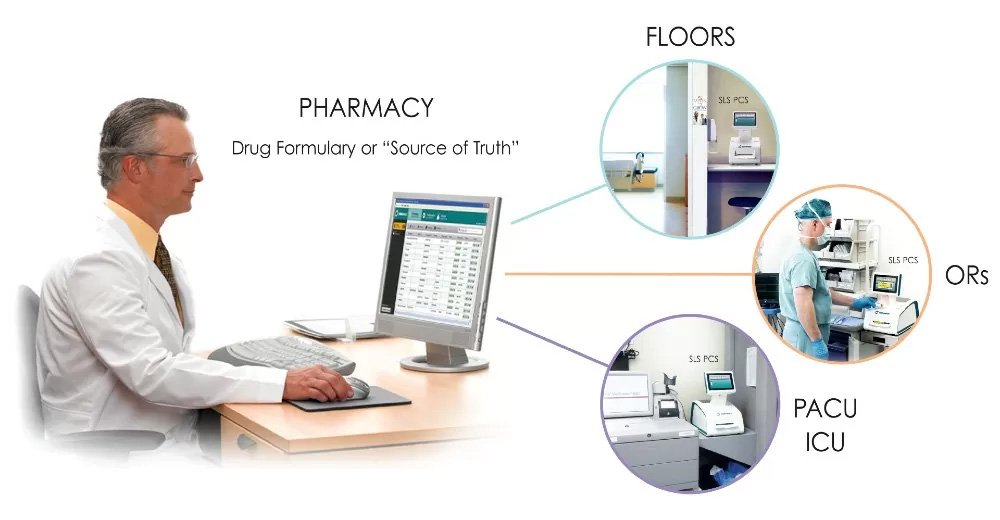
Giving pharmacy insight into drug usage such as what drug, used when and where
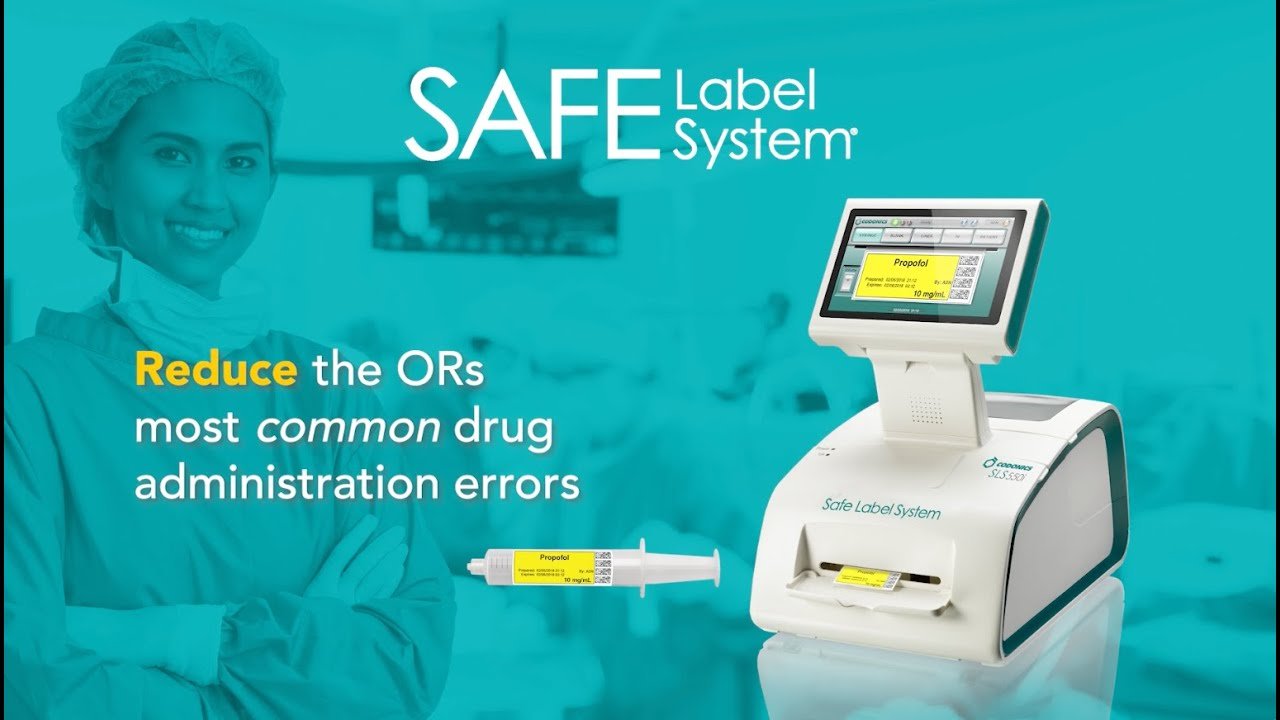
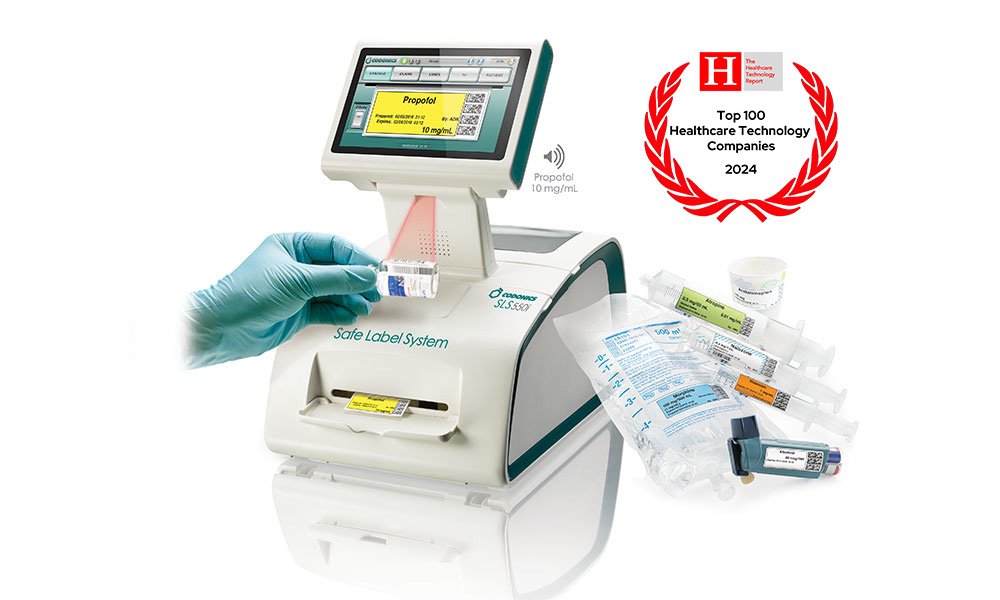
Safe Label System (SLS) is the world’s leading solution for safe, compliant, and fast medication labeling — anywhere medications are prepared!
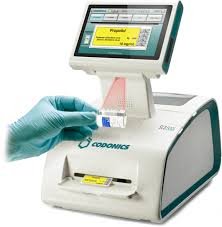
SLS is a Class 2 medication safety system, it uses barcode technology to improve safety, compliance and efficiency during medication preparation. SLS helps to eliminate the three most common medication errors, including vial and ampoule swaps, mislabeling, syringe swaps and is an important device to enable narcotic traceability.
The system has two unique components, the Administration Tool (AT) software is used in the pharmacy while the SLS hardware is deployed to the point of care - like the OR - and brings pharmacy and anesthesia together to better manage medication use to improve patient safety.

Description
SLS Administration Tool
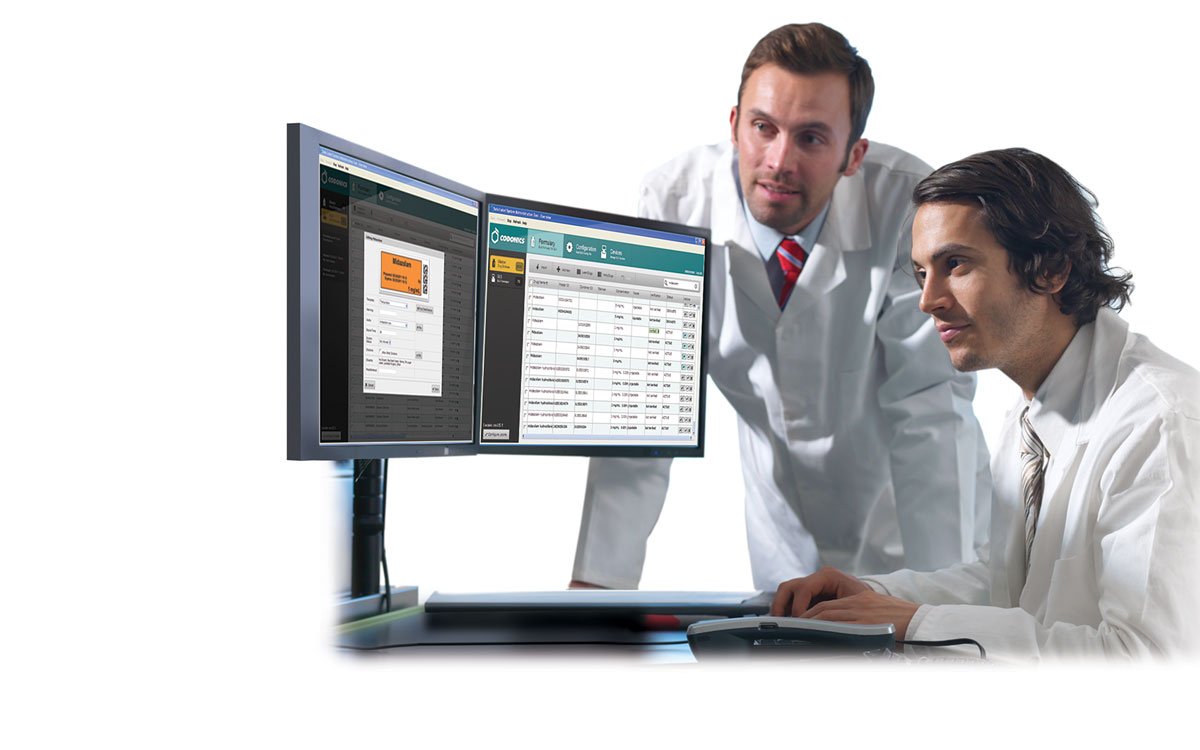
At the heart of the SLS is the Administration Tool (AT), an easy-to-use software application for formulary management in pharmacy. The AT allows pharmacy to easily create and control a drug formulary. As a formulary builder, the AT enables formularies specific to OR, SICU, PICU, ICU and other patient care areas to be enterprise networked for easy access at every SLS system, expanding pharmacy’s scope of influence without having to have a pharmacist present everywhere medications are prepared.
Pharmacy oversight in the OR
Never before has it been easier to empower every medication preparation area with pharmacy-level oversight and compliance.
The AT allows pharmacy to easily create and control a drug formulary, including site-approved medications, concentrations and rules for use, expanding pharmacy’s scope of influence to the point of medication preparation. For the first time, SLS AT makes it practical and easy for pharmacy to control and manage distribution of drugs, drug use rules and drug information throughout a hospital (to literally hundreds of locations with a single click of a button).
Technical Services
Requirements
For 3.1.0 AT Server
Processor: Core i7-11700K / Xeon E-2336
RAM: 8 GB for application
Application Disk Space: 30 GB total at install
For 3.1.0 AT Client
Browser Support: Edge, Chrome
Screen Resolution: Minimum 1440 x 900;
use default browser fonts
Computer OS: Windows® 10 or newer
Applications: Excel® 2003 or greater to open reports